

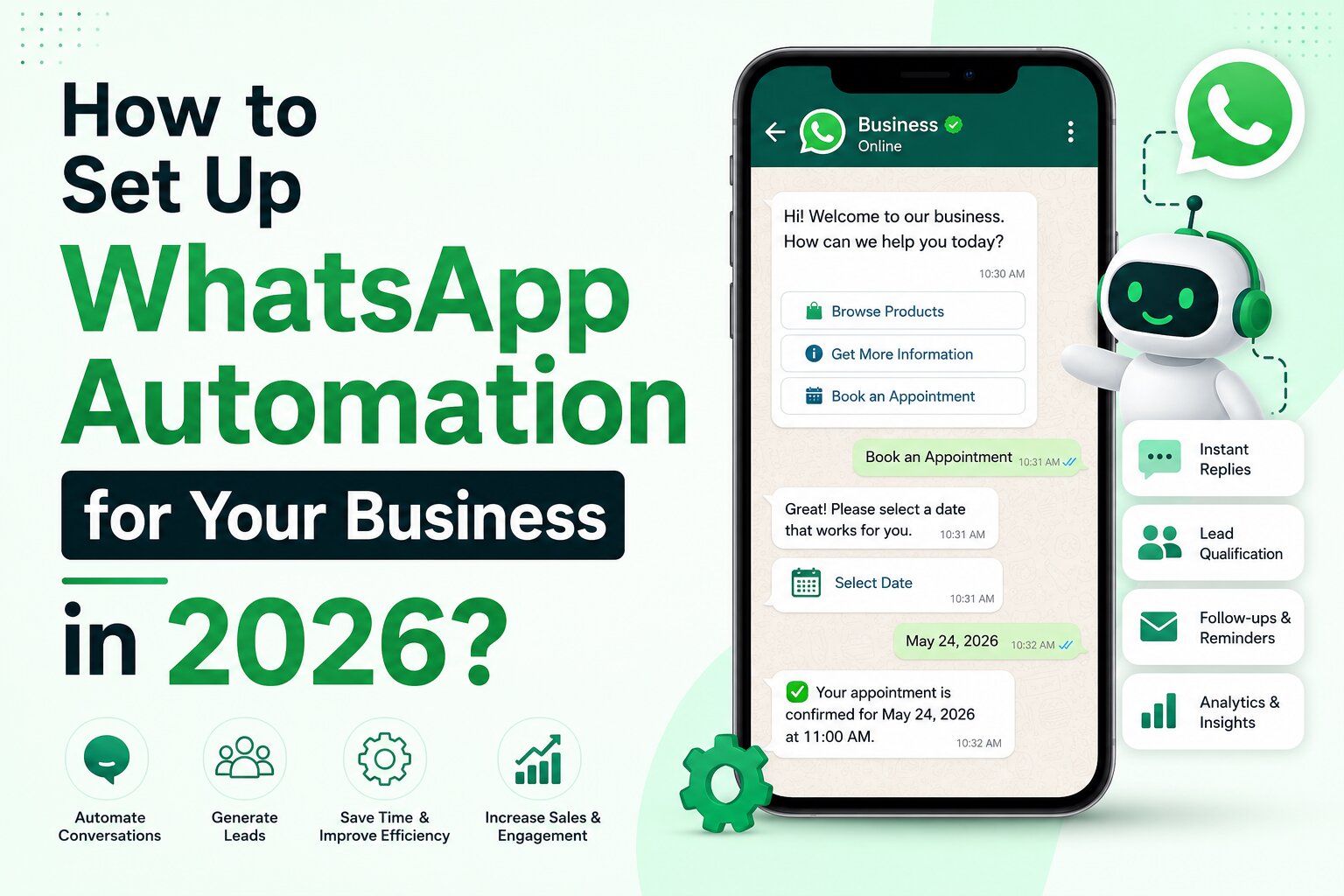
How to Set Up WhatsApp Automation for Your Business in 2026?

AI Summary
WhatsApp has evolved into one of the most powerful customer communication channels for businesses. From lead generation and customer support to appointment booking and sales follow-ups, WhatsApp automation helps businesses engage customers instantly and at scale. With the right tools, businesses can automate conversations, qualify leads, send reminders, and improve customer experience without increasing manpower. This guide explains WhatsApp automation, its benefits, setup process, and the best tools available in 2026.
Introduction
With over 3 billion users worldwide, WhatsApp has become a primary communication channel for customers.
Today, customers expect businesses to respond instantly. Delayed responses often lead to lost leads, missed opportunities, and poor customer experiences.
This is where WhatsApp Automation becomes valuable.
Instead of manually replying to every message, businesses can automate conversations, answer common queries, qualify leads, schedule appointments, send reminders, and even nurture prospects automatically.
Whether you run a startup, e-commerce store, agency, coaching institute, or immigration consultancy, WhatsApp automation can significantly improve efficiency and customer engagement.
What is WhatsApp Automation?
WhatsApp Automation refers to using software and workflows to automatically send messages, respond to customer queries, and perform predefined actions on WhatsApp without manual intervention.
Common automation examples include:
• Welcome messages
• Auto-replies
• Lead qualification flows
• Appointment booking
• Follow-up reminders
• Customer support chatbots
• Payment notifications
• Order updates
• Feedback collection
Why Businesses are Adopting WhatsApp Automation
1. Faster Response Time
Customers receive instant replies instead of waiting for a human agent.
2. Better Lead Management
Leads can be automatically qualified before being assigned to sales teams.
3. Increased Productivity
Teams spend less time answering repetitive questions.
4. Higher Conversion Rates
Automated follow-ups reduce lead leakage and improve sales conversions.
5. Improved Customer Experience
Customers receive quick, consistent, and personalized communication.
Step-by-Step Guide to Setting Up WhatsApp Automation
Step 1: Create a WhatsApp Business Account
Start by setting up a WhatsApp Business profile.
Ensure your profile includes:
• Business name
• Logo
• Website
• Business description
• Contact details
Step 2: Choose a WhatsApp Automation Platform
Select a platform based on your business requirements and budget.
Popular platforms include ManyChat, WATI, Interakt, AiSensy, and Zoko.
Step 3: Connect WhatsApp Business API
Most advanced automation platforms require access to WhatsApp Business API.
This enables:
• Chatbots
• Workflow automation
• CRM integrations
• Broadcast campaigns
• Analytics
Step 4: Design Customer Journeys
Map common customer interactions such as:
Lead Inquiry → Qualification → Sales Call → Follow-Up → Conversion
Customer Support → Query Resolution → Feedback Collection
Step 5: Build Automated Flows
Create conversation flows for:
• New leads
• Product inquiries
• Service inquiries
• Support requests
• Appointment scheduling
• Feedback collection
Step 6: Integrate Your CRM
Connect WhatsApp with platforms such as:
• Zoho CRM
• HubSpot
• Salesforce
• Pipedrive
• Freshsales
This ensures lead information is automatically captured and managed.
Step 7: Test Before Launch
Verify:
• Message delivery
• Button functionality
• CRM integration
• User experience
• Escalation to human agents
Best WhatsApp Automation Tools in 2026
1. ManyChat
Best for:
Lead generation and Instagram + WhatsApp automation.
Key Features:
• Drag-and-drop automation builder
• AI-powered conversations
• Meta ecosystem integration
• Lead qualification workflows
2. WATI
Best for:
Customer support and enterprise communication.
Key Features:
• Shared team inbox
• WhatsApp API
• CRM integrations
• Automated workflows
3. AiSensy
Best for:
Indian businesses and SMBs.
Key Features:
• Broadcast campaigns
• No-code chatbot builder
• WhatsApp API access
• Affordable pricing
4. Interakt
Best for:
Sales and support automation.
Key Features:
• CRM integration
• WhatsApp campaigns
• Lead management
• Team collaboration
5. Zoko
Best for:
E-commerce brands.
Key Features:
• Shopify integration
• Order notifications
• Automated support
• Sales automation
6. Respond.io
Best for:
Omnichannel customer communication.
Key Features:
• Multi-channel inbox
• Workflow automation
• Team collaboration
• CRM connectivity
WhatsApp Automation Use Cases
Lead Generation
Capture and qualify leads automatically before passing them to sales teams.
Customer Support
Answer FAQs instantly and reduce support workload.
Appointment Booking
Allow customers to book consultations without human intervention.
E-commerce Updates
Send order confirmations, shipping updates, and delivery notifications.
Marketing Campaigns
Launch personalized WhatsApp campaigns to engage customers.
Common Mistakes to Avoid
Over-Automation
Not every conversation should be handled by bots.
Lack of Human Escalation
Customers should always have the option to speak with a real person.
Spam Messaging
Sending excessive promotional messages can reduce engagement and increase blocking rates.
Poor Flow Design
Complex chat flows often frustrate users.
The Future of WhatsApp Automation
Artificial Intelligence is rapidly transforming WhatsApp automation.
Modern solutions can now:
• Understand customer intent
• Generate dynamic responses
• Personalize conversations
• Integrate with CRMs
• Automate lead scoring
• Provide multilingual support
As AI continues to evolve, WhatsApp is expected to become one of the most important business communication channels globally.
Conclusion
WhatsApp Automation is no longer a luxury for businesses—it is becoming a necessity.
By automating routine conversations, qualifying leads, integrating with CRMs, and providing instant customer support, businesses can improve efficiency, increase conversions, and deliver better customer experiences.
The key is selecting the right platform, building customer-centric workflows, and maintaining a balance between automation and human interaction.
Frequently Asked Questions (FAQs)
1. Is WhatsApp Automation legal?
Yes. Businesses can automate conversations using approved WhatsApp Business and API solutions while following Meta’s policies.
2. Do I need WhatsApp Business API for automation?
Basic automation can be done using WhatsApp Business, but advanced workflows typically require API access.
3. Which is the best WhatsApp automation tool?
ManyChat, WATI, AiSensy, Interakt, Zoko, and Respond.io are among the most popular options in 2026.
4. Can WhatsApp automation integrate with CRM software?
Yes. Most leading platforms support integrations with Zoho CRM, HubSpot, Salesforce, and other CRM systems.
5. Is WhatsApp automation suitable for small businesses?
Absolutely. Many affordable tools are designed specifically for startups and small businesses.
6. Can WhatsApp automation help generate leads?
Yes. Businesses use automated chat flows to capture, qualify, and nurture leads efficiently.
7. Does WhatsApp automation improve conversion rates?
When implemented correctly, automated follow-ups and instant responses can significantly improve conversion rates.